
Desktop and web digitisation tools
Desktop and web digitisation tools
Desktop and web applications for people digitising library and archive collections.
The problem
An organisation digitising library and archive collections works with heavy files, TIFF and DNG scans, and with metadata to fill in and validate. Doing everything by hand, one file at a time, slows the work down and leaves room for mistakes.
They needed tools operators could use on their own computer, even with very large files.
What I built
- 01
MAG metadata editor and validator
You fill in the metadata and the application checks they comply with the standard.
- 02
Cropping and straightening
A tool that crops and straightens TIFF and DNG scans, with image processing.
- 03
Desktop shell with Tauri
Desktop applications with a Tauri (Rust) shell and a Vue interface, on a FastAPI backend.
- 04
Electron utility
An Electron utility to process images on the computer.
- 05
The operator reviews everything
Every automatic result passes in front of a person before being accepted.
My role
Developer at ETT. I worked on interface, backend and image processing, as part of Scripta, ETT's digitisation line. The client is not named.
Technologies
Python · FastAPI · Vue 3 · Tauri (Rust) · Electron · OpenCV
This is where I learned Tauri and Electron, and when to use one or the other. With heavy files the main work is keeping the interface responsive and giving the operator a reliable preview of what they are about to accept.
A collection to digitise
Tell me what material you have and which tools you use today.
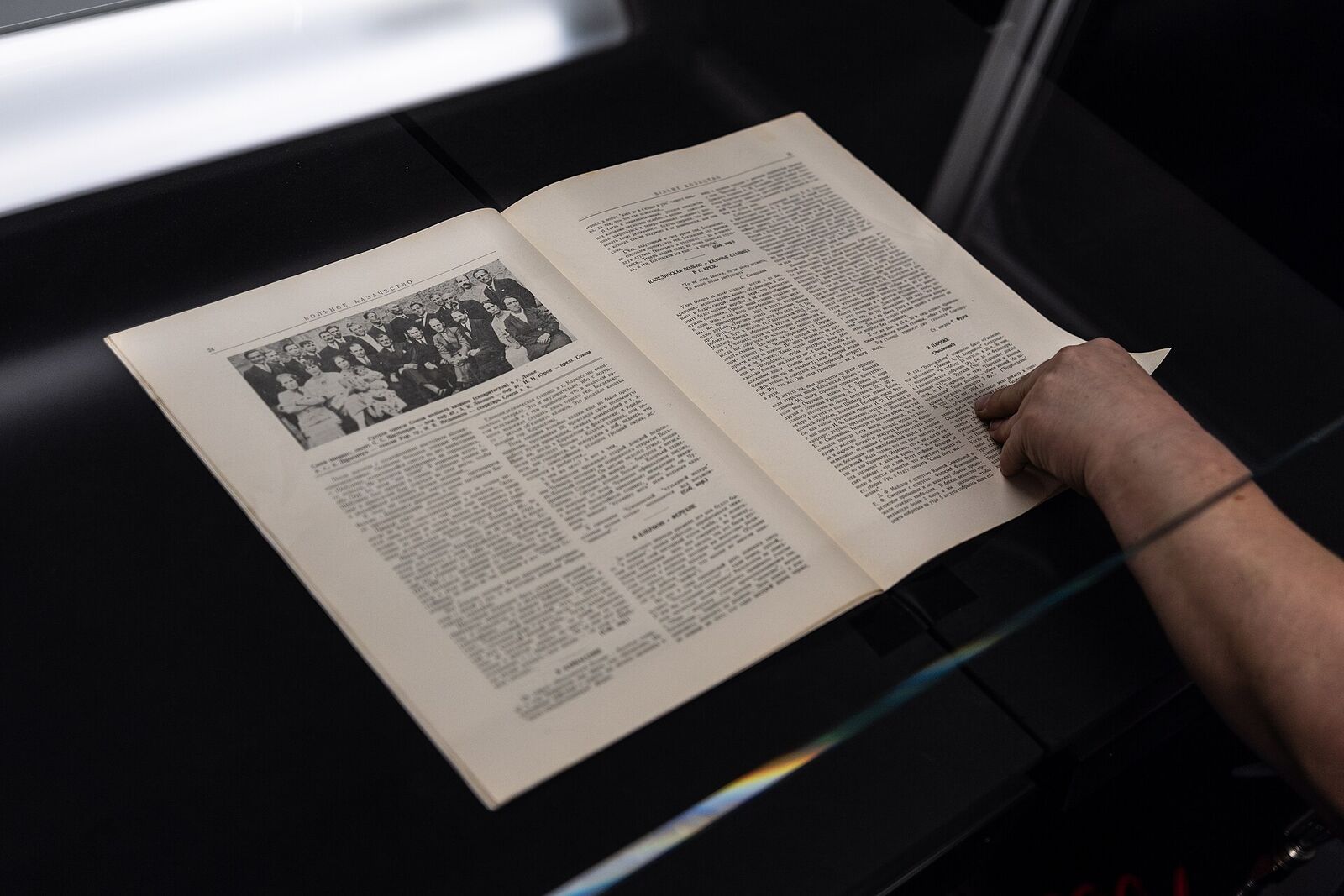
Stock photo: book scanning, by Skot, licence CC BY-SA 4.0 (Wikimedia Commons). It does not show the project.